
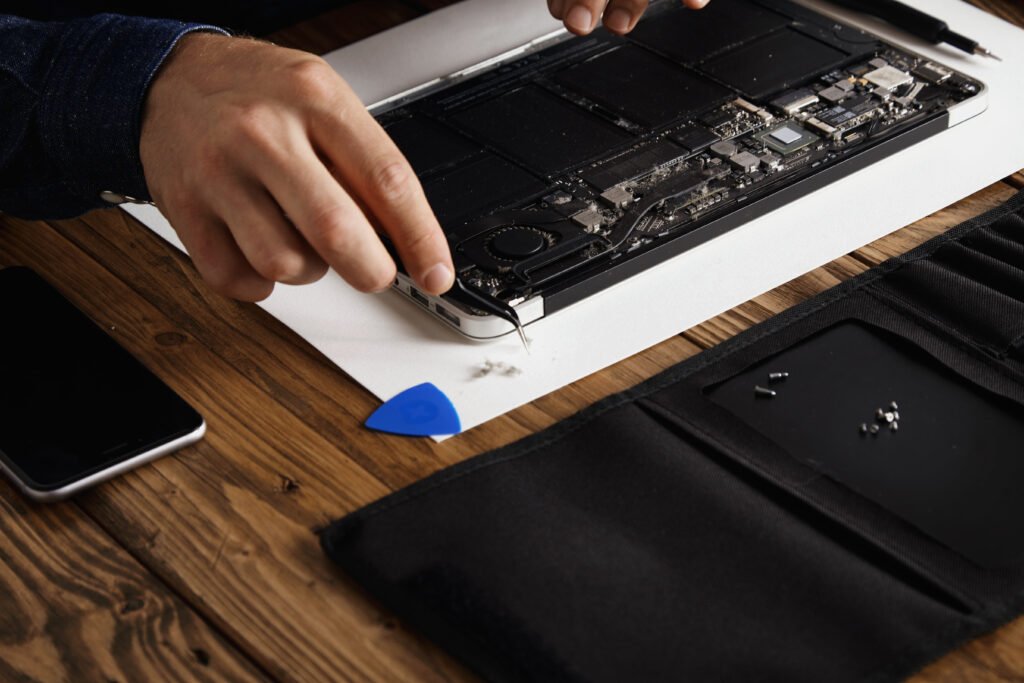
Something feels wrong with your laptop. It’s slower than it should be, strange pop-ups keep appearing, or your browser keeps sending you somewhere you didn’t ask to go. If any of that sounds familiar, there’s a reasonable chance you’re dealing with a virus, spyware, or some other form of malware. It’s one of the most common problems we see at We Repair Computers – Harwich, and the good news is that in most cases it can be dealt with cleanly and without losing your files — as long as you act quickly and don’t make things worse in the meantime.
Warning Signs Worth Taking Seriously
Viruses and spyware don’t always announce themselves dramatically. Sometimes the signs are subtle: your laptop takes longer than usual to start up, programmes crash for no obvious reason, your battery drains faster, or your internet connection feels sluggish even though nothing else has changed.
Other times the signs are harder to miss. You might see pop-up windows appearing constantly, your browser homepage has changed without you touching it, or you’re being redirected to unfamiliar websites mid-search. Some infections go further — disabling your antivirus software, locking you out of certain programmes, or even displaying ransom messages demanding payment.
If you notice any combination of these things, take it seriously. Ignoring the early signs often makes the infection worse and harder to remove cleanly later.
What Viruses and Spyware Actually Do
The word ‘virus’ gets used as a catch-all term, but there are several distinct types of malicious software — each with a different purpose.
A virus typically attaches itself to other files and spreads when those files are opened or shared. Spyware sits quietly in the background, recording what you type, tracking your browsing, and sometimes harvesting passwords or banking details. Adware bombards you with adverts and can slow your machine to a crawl. Ransomware is arguably the most destructive — it encrypts your files and demands payment before restoring access, with no guarantee the attacker follows through.
Understanding what you’re dealing with matters, because different types of malware require different removal approaches. A quick scan with a basic antivirus tool is sometimes enough, but more stubborn infections need proper manual intervention from someone who knows what they’re looking for.
What Not to Do When You Suspect an Infection
This is where a lot of people accidentally make things worse. The instinct to search for a fix online is understandable, but some of the ‘free virus removal tools’ you’ll find on dodgy websites are themselves malware in disguise. Downloading the wrong thing in a panic can add a second infection on top of the first.
Avoid entering any passwords, logging into banking websites, or making online purchases while you think your machine is compromised. Spyware in particular is designed to capture exactly that kind of information.
Don’t keep restarting the laptop repeatedly hoping the problem goes away, and think carefully before running a full system restore — that approach can sometimes wipe important files that haven’t been backed up. If you’re unsure, the safest thing to do is stop using the machine for anything sensitive and get it looked at properly.
Protecting Your Files Before Any Repair
Before any virus removal work begins, a good technician will discuss your data with you. In most cases, removing an infection doesn’t require wiping the laptop — but in severe cases, particularly with ransomware, it can become necessary.
If you’re able to access your files safely, it’s worth copying important documents, photos, and anything irreplaceable to an external drive or cloud storage before bringing the laptop in. If you’re not sure whether it’s safe to do that, mention it when you speak to us — we can advise based on what you’re describing.
For situations where files have already been damaged or deleted by malware, Reliable Data Recovery Services in Harwich may be an option, though success depends on how much damage has been done and how quickly you act.
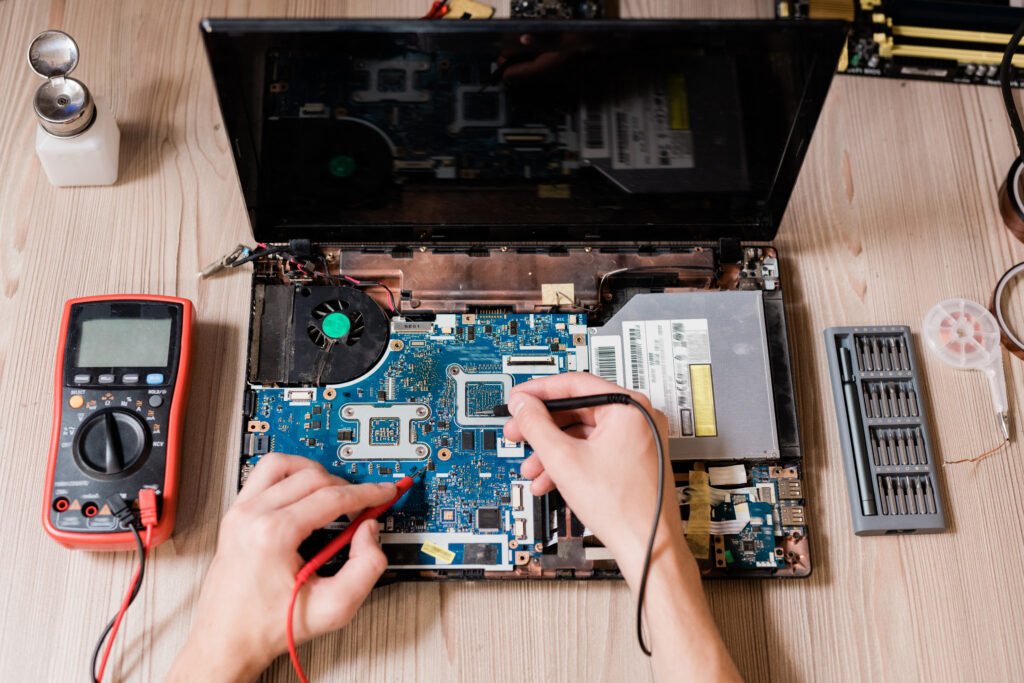
Virus Spyware Antivirus — Getting the Removal Done Properly
Running a consumer antivirus scanner will catch a lot of common threats, and it’s always worth trying as a first step. Windows Defender — built into Windows 10 and 11 — is genuinely useful and better than it used to be. Malwarebytes is another well-regarded free option for a secondary scan. Together, these tools cover a reasonable range of known virus, spyware, and adware threats without costing you anything.
However, some infections are specifically designed to evade standard scanners. Rootkits, for example, embed themselves deep into the operating system and can hide from most detection tools. Others disable antivirus software as a first step to avoid being found. For these, a more thorough approach is needed — scanning offline, checking startup entries, inspecting system processes, and sometimes removing infected components manually.
At We Repair Computers – Harwich, we carry out a full diagnostic before starting any removal work. That means we identify exactly what’s present, how it got there, and what the safest removal path looks like — rather than just running a scanner and handing the machine back. You can find out more about our Comprehensive Virus Removal Services Across Southeast England if you’d like to know what the process involves.
How Malware Gets In
Understanding how infections arrive is one of the most useful things you can learn, because it gives you a real chance of preventing the next one.
Phishing emails are still the most common entry point. These are messages designed to look like they’re from a bank, delivery company, or even a colleague — but they contain either a malicious link or an infected attachment. Clicking the link or opening the file is enough.
Software downloads are another common route, especially pirated programmes, cracked games, or anything downloaded from an unofficial source. Malicious adverts on otherwise legitimate websites (sometimes called malvertising) can also trigger downloads without you clicking anything directly, if your browser and plugins aren’t kept up to date.
Public Wi-Fi can also be a risk if you’re accessing sensitive accounts without a VPN. It’s not that public Wi-Fi is inherently dangerous, but it does make it easier for someone on the same network to intercept unencrypted traffic.
Building Better Habits After an Infection
Once a virus has been removed, it’s worth taking a few straightforward steps to reduce the chances of it happening again. Keep Windows — or macOS if you’re on a Mac — updated. Updates frequently include security patches that close vulnerabilities malware exploits.
Install a reputable antivirus and actually let it run. Many people install one and then ignore the notifications or delay the scans. Set it to run automatically. Be cautious about what you click in emails, especially anything asking you to log in urgently or download an attachment you weren’t expecting.
Back up your files regularly to an external drive or a cloud service. This won’t stop an infection from happening, but it does mean that even in the worst case — a ransomware attack, for instance — you haven’t lost everything.
If you’re running an older machine that’s become slow and unreliable even after a clean, it might also be worth considering an upgrade. A well-maintained refurbished laptop can be a cost-effective route back to a reliable, secure machine — something we’re happy to talk through if you’re weighing up your options.
When to Bring It In
If you’ve run a scan and the problem hasn’t gone away, if the laptop is too slow or unstable to use properly, or if you’re simply not confident about what you’re dealing with, it’s worth getting a professional opinion. We work with customers across Harwich, Dovercourt, Manningtree, Colchester, Clacton-on-Sea, and throughout Essex — and we’ll always tell you honestly what we find before any work begins, with no obligation to proceed.
You can reach us on +447773886309 or drop into the shop. We’ll take a proper look, explain what’s going on in plain English, and give you a clear idea of what’s involved in sorting it out.
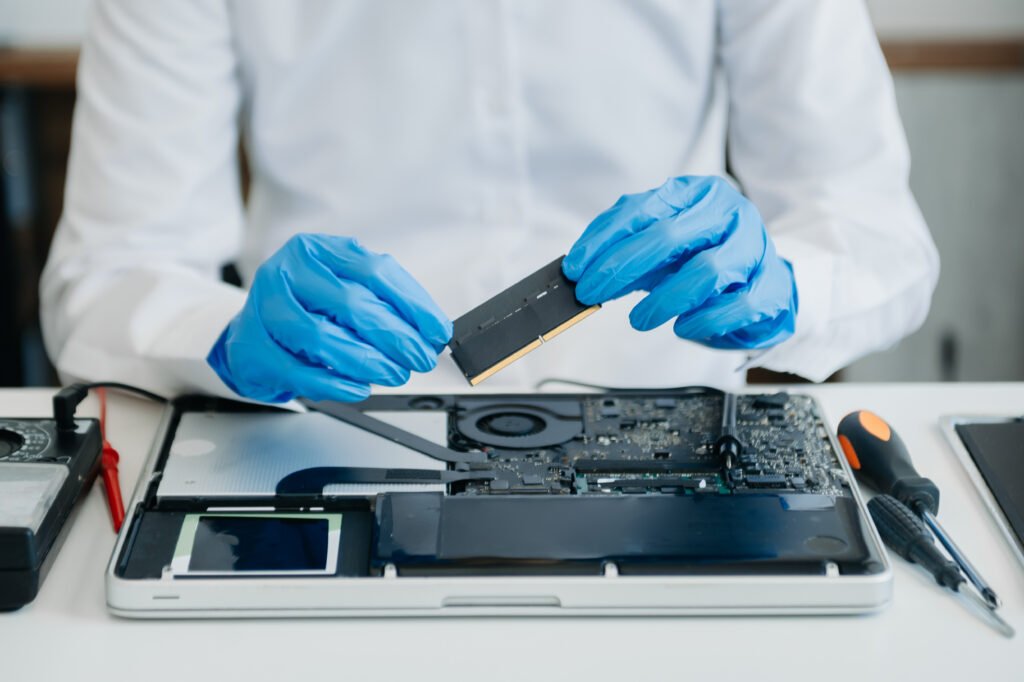
A virus or spyware infection is stressful, but it’s rarely the end of the road for your laptop. The key is acting quickly, not panicking, and getting it looked at by someone who knows what they’re doing. If you’re based locally and need help, We Repair Computers – Harwich is here — honest advice, proper diagnostics, and no unnecessary upselling. Just a clean fix and your laptop back in your hands as quickly as possible.
Frequently Asked Questions
Need help with your computer?
Bring it to our Harwich workshop or call us to talk it through with a technician.