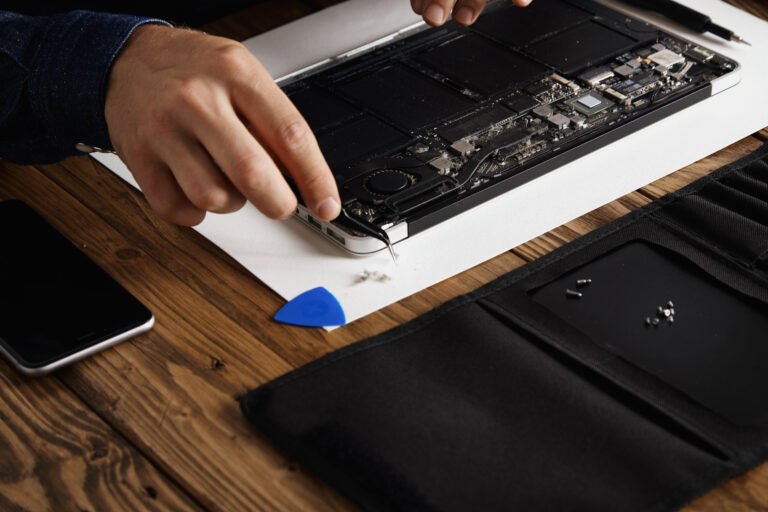

An iPhone that gets uncomfortably hot is one of the most common complaints we hear from customers across Harwich, Dovercourt, Manningtree and the surrounding area. It can feel alarming — especially when your phone suddenly displays that temperature warning screen and refuses to do anything until it cools down. iPhone overheating is rarely a random fluke. There’s almost always a reason behind it, and once you understand what’s causing it, you can usually do something about it.
This guide walks you through the most likely causes, what you can try at home, and the situations where it really is worth getting a professional to take a look.
What counts as too hot
Apple designs iPhones to operate comfortably between 0°C and 35°C. Above that, the phone’s internal systems start to struggle, and the processor will actually throttle itself — slowing down on purpose — to try to manage the heat.
A warm iPhone after a long video call or while charging is normal. What’s not normal is a phone that’s hot to the touch during basic tasks like browsing, sending messages, or sitting idle. If your screen dims unexpectedly, apps start crashing, or you see the temperature warning symbol, those are signs the phone is genuinely struggling rather than just working hard.
Common causes of iPhone overheating
There are several reasons an iPhone might run hotter than it should, and they range from completely harmless to genuinely worth investigating.
Direct sunlight is one of the most frequent culprits — leaving your phone on a car dashboard or a sunny windowsill in summer will push it over its safe operating temperature surprisingly quickly. This isn’t a fault with the phone; it’s just physics.
Background app activity is another big one. If you have dozens of apps running in the background, or a particular app has gone rogue and is using far more processing power than it should, your iPhone’s processor works overtime and generates heat as a result. Streaming video, using GPS navigation, and playing graphics-heavy games are all known to push temperatures up — especially if you’re doing more than one of those things at the same time.
A swollen or degrading battery can also cause heat issues. As lithium-ion batteries age, they become less efficient, and that inefficiency often shows up as heat. If your iPhone is a few years old and suddenly running much warmer than it used to, the battery is worth looking at. You can check your battery health under Settings > Battery > Battery Health and Charging — anything below 80% is starting to show its age.
Finally, a poorly fitted or non-breathable phone case can trap heat that would otherwise dissipate naturally. Some thick cases, particularly those with multiple layers or metal components, act almost like insulation.
Software issues that cause heat
Not all overheating is hardware-related. Software problems are a surprisingly common cause, and they’re often easier to fix.
A buggy iOS update can sometimes cause background processes to run constantly, keeping the processor busy even when you’re not actively using the phone. If your iPhone started running hot shortly after an update, that’s worth noting. Apple usually releases a follow-up patch fairly quickly when a software update causes widespread issues — keeping your phone updated is generally the right move.
Malware is less common on iPhones than on Android devices, but it’s not impossible, particularly on phones that have been jailbroken. If you’re seeing unusual battery drain alongside the heat, and you’ve ruled out the obvious causes, it’s worth having someone take a closer look. For context, if you’ve ever had concerns about unwanted software on any of your devices, our post on Comprehensive Virus Removal Services Across Southeast England covers what to look out for across different platforms.
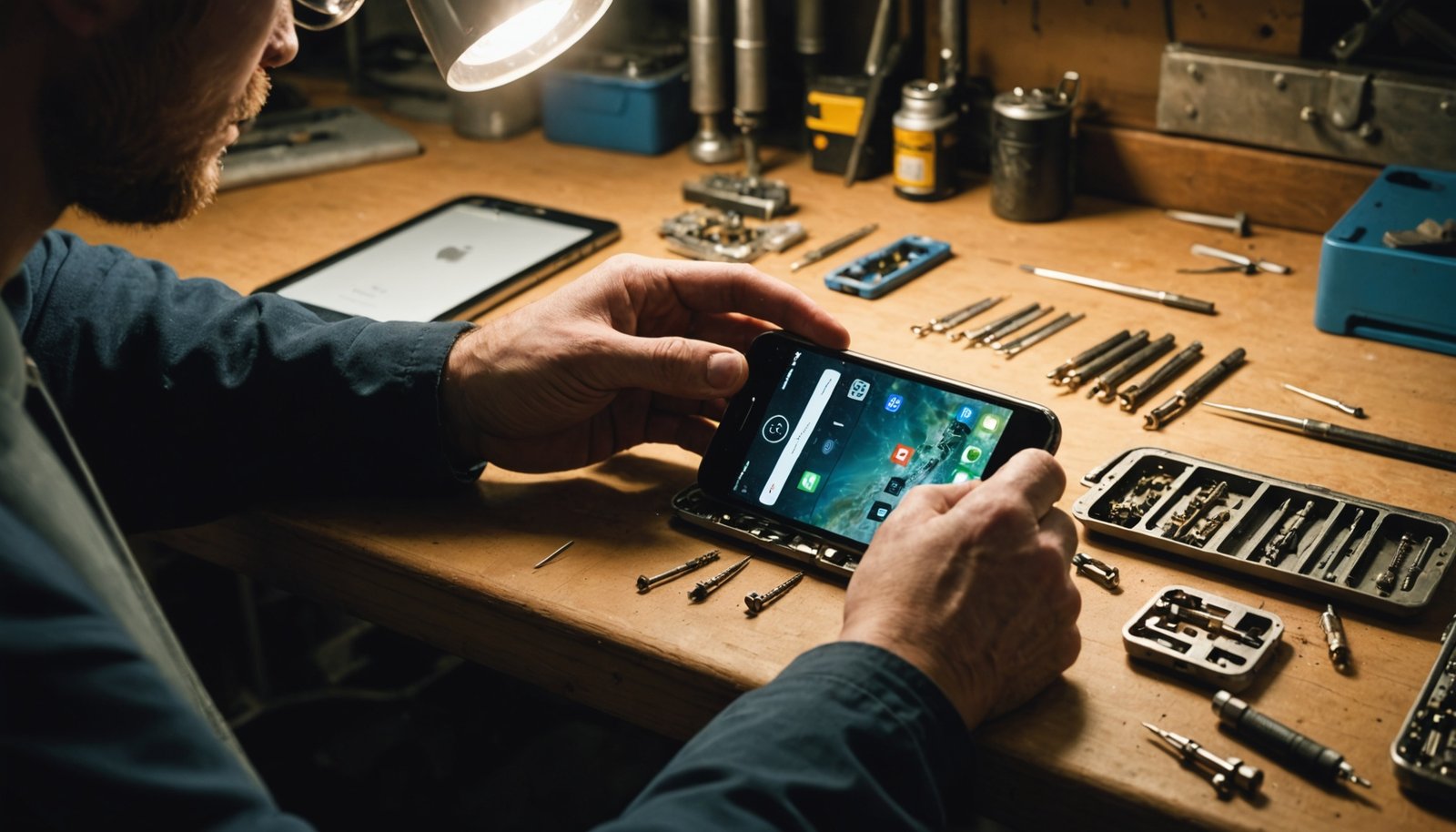
Restoring your iPhone to factory settings and setting it up fresh — rather than restoring from a backup — can sometimes resolve persistent software-driven overheating, though that’s a last resort rather than a first step.
Things you can try yourself
Before assuming the worst, there are a few straightforward things worth trying at home.
Start by closing all your background apps and restarting the phone. It sounds basic, but a clean restart clears out any processes that have got stuck. Then check for iOS updates and install any that are available.
Take the case off and let the phone cool down in a shaded spot — not in a fridge or freezer, which can cause condensation damage. Give it ten to fifteen minutes and see whether it returns to a normal temperature.
If you suspect a specific app is the problem, go to Settings > Battery and look at which apps are consuming the most power over the last 24 hours or seven days. An app using a disproportionate amount of battery in the background is often generating heat too. Deleting and reinstalling that app, or simply disabling its background refresh, can make a noticeable difference.
For older iPhones, reducing screen brightness, turning off features you’re not using (such as Bluetooth, location services, or Background App Refresh), and switching to Low Power Mode can all help reduce the load on the processor and battery.
When the problem is hardware
If you’ve worked through the software fixes and your iPhone is still overheating regularly, the issue is more likely to be physical. The most common hardware causes are a degraded battery, a damaged charging port, or — less commonly — a fault with the logic board itself.
A swollen battery is particularly worth taking seriously. If the back of your phone looks slightly raised or the screen appears to be lifting away from the body, stop using it and get it checked as soon as possible. A swollen battery is a safety issue, not just a performance one.
Charging port problems can also generate heat. If your phone gets unusually warm while charging — particularly with certain cables — the port may be damaged or corroded, causing resistance that turns into heat. Using non-Apple or uncertified cables can make this worse over time.
Logic board faults are less common but do happen, especially in phones that have been dropped or exposed to moisture. These are harder to diagnose without proper equipment, which is why a professional diagnosis makes sense if you’ve exhausted the simpler explanations. If you’re dealing with overheating on a Mac or laptop rather than an iPhone, our guide on how to stop your PC overheating covers a lot of the same principles.
Getting professional help in Harwich
If your iPhone is overheating consistently, shutting down unexpectedly, or the battery is draining at an unusual rate alongside the heat, it’s worth having a proper diagnosis done rather than guessing. Replacing a battery in an iPhone isn’t something most people can do safely at home — the components are tightly packed and the risk of damaging something else is real without the right tools and experience.
At We Repair Computers Harwich, we carry out honest diagnostics before any repair work begins, so you’ll always know what’s wrong and what it will cost before we do anything. We work on iPhones as well as MacBooks, laptops, and Windows machines, and we use quality parts rather than cheap alternatives that cause problems further down the line. We see customers from across Harwich, Frinton-on-Sea, Clacton-on-Sea, Colchester, Walton-on-the-Naze and many of the smaller villages in between — so if you’re local to north Essex, you don’t need to post your phone off or deal with a faceless service centre.
You can call us on +447773886309 or pop in to discuss what’s happening with your phone. No obligation, no hard sell — just a straight answer about what’s going on and what your options are.

iPhone overheating is a frustrating problem, but it’s rarely a mystery once you start working through the likely causes. Most of the time, a combination of software tweaks and a bit of common sense about how and where you use your phone will sort things out. When it doesn’t, a proper battery replacement or hardware check usually gets things back to normal. The key is not to ignore it — persistent overheating puts stress on your battery and processor, and the longer it goes on, the more likely it is to turn into a bigger problem.
Frequently Asked Questions
Need help with your computer?
Bring it to our Harwich workshop or call us to talk it through with a technician.